IPTV HDMI · TROUBLESHOOTING
IPTV HDMI No Signal: How to Get the Picture Back
Fix a blank HDMI input, intermittent picture or HDCP error before troubleshooting IPTV playback.
Read the guide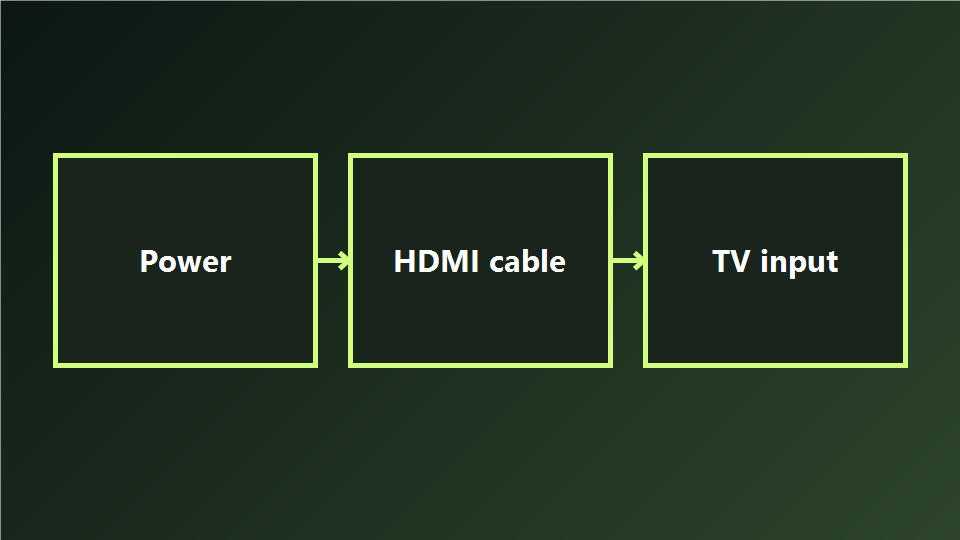
Start with power and the TV input
Confirm the streaming device is powered and select the HDMI input you plugged it into. Unplug power from the player for a brief restart, then reconnect it and give it time to boot.
Test one part of the HDMI connection at a time
Reseat both ends of the HDMI cable if it is removable, try another TV input and test with a known-good cable. If a receiver or switch is in the chain, connect the player directly to the TV as a diagnostic step.
Separate HDMI errors from streaming errors
If the menu is visible but live TV buffers, test your connection and a second channel. If an HDCP error appears, check compatibility across the TV input, cable and any intermediate device. Try a display mode supported by the full setup.
Explore the IPTV setup guide, learn how to add an M3U playlist, or check the EPG guide for schedule issues.
More IPTV resources from IPTV4K Plus, IPTV Subscription 4K and IPTV4K Life.