IPTV HDMI · SETUP
IPTV HDMI Setup: Connect a Streaming Device to Your TV
Connect an IPTV box or streaming stick to an HDMI port, choose the correct input and test live TV.
Read the guide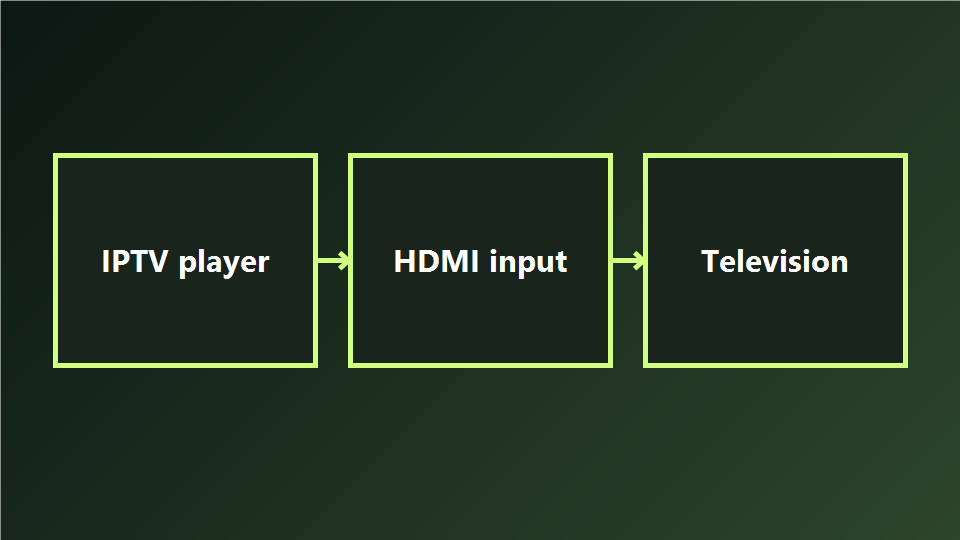
Connect the hardware
Plug the streaming box or stick into an HDMI input, using the cable and power supply supplied with your device as applicable. Take note of the input label, such as HDMI 1 or HDMI 2.
Choose the input and connect to the internet
Use your TV remote to select that input. Once the device menu appears, connect the device to Wi-Fi or Ethernet if available. HDMI carries the picture and sound from the device to the TV.
Set up the IPTV player
Install a compatible app from the device’s official store, sign in using the method your provider supports, and test two channels. If the picture disappears before the home menu appears, troubleshoot the HDMI connection first.
Explore the IPTV setup guide, learn how to add an M3U playlist, or check the EPG guide for schedule issues.
More IPTV resources from IPTV4K Plus, IPTV Subscription 4K and IPTV4K Life.