ROKU IPTV · TROUBLESHOOTING
Roku IPTV Not Working? Fix App and Playback Problems
Find out whether your Roku IPTV problem comes from the app, your account, mirroring or the network.
Read the guide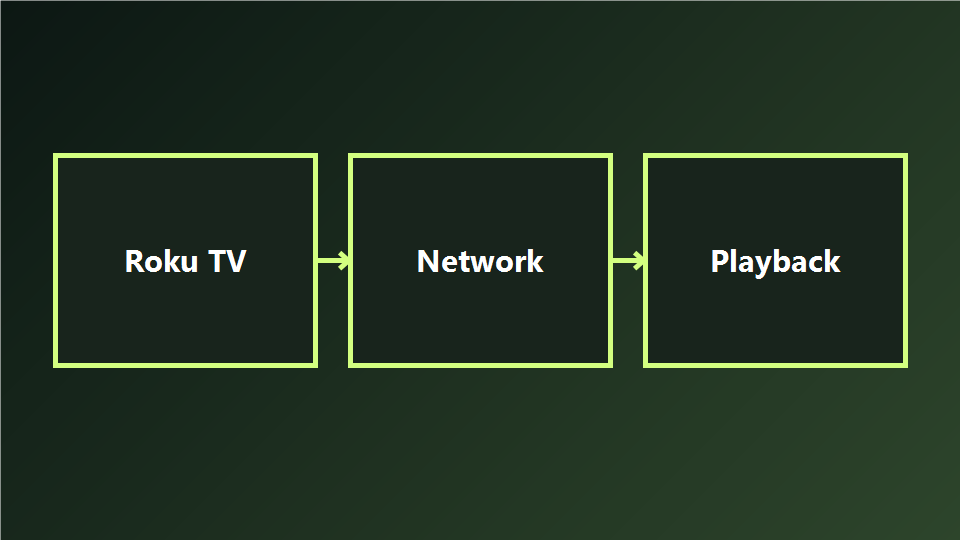
The app is missing or won’t open
Confirm that the provider still offers a Roku app in your region and model. Restart the Roku and check for software updates. If the provider’s app is unavailable, ask which supported device can be connected to your Roku TV.
The app opens but a channel buffers
Test a second channel and another streaming app. If several apps struggle, check the Roku’s network connection and try moving it closer to your router. If only one IPTV channel fails, report that channel and the time to your provider.
Channels play but schedules are blank
Check whether the provider includes EPG on Roku. If you use an external IPTV player, refresh its guide and check whether the XMLTV source is assigned to the right playlist.
For supported devices and setup details, see Roku screen mirroring and Roku AirPlay support.
Explore the IPTV setup guide, learn how to add an M3U playlist, or check the EPG guide for schedule issues.
More IPTV resources from IPTV4K Plus, IPTV Subscription 4K and IPTV4K Life.