ROKU IPTV · MIRRORING
How to Mirror IPTV to a Roku TV
Use a compatible phone or computer to display IPTV on Roku TV with screen mirroring or AirPlay.
Read the guide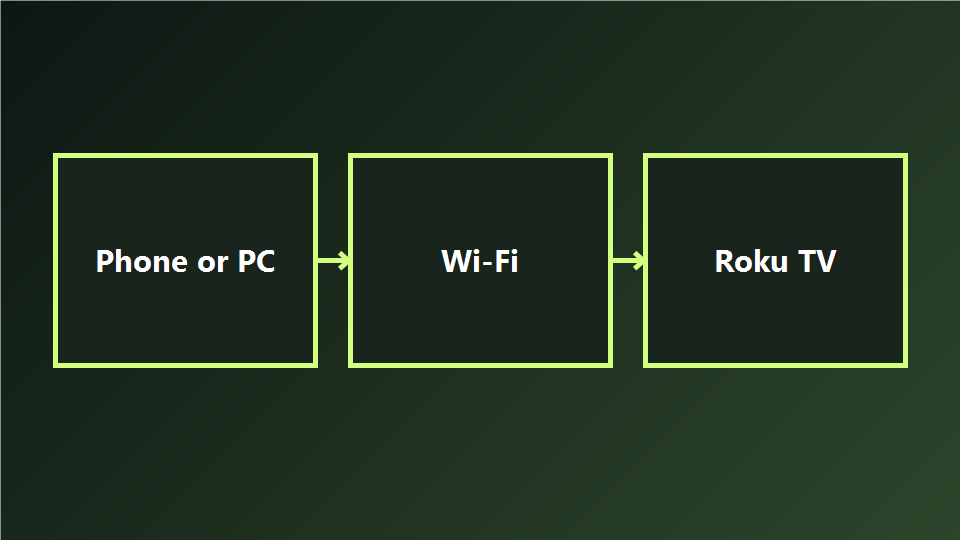
Pick the method your devices support
On supported Roku and Apple devices, use AirPlay. Compatible Android or Windows devices can use screen mirroring. An in-app cast button requires support from the app, and Roku casting can also require a matching Roku app.
Connect and test playback
Connect both devices to the same network. Open the device’s mirroring controls, select the Roku and accept the prompt on your TV if shown. Start playback in the IPTV app on the device you’re sharing from.
Fix a missing Roku or black screen
Check model compatibility and the Roku’s AirPlay or screen mirroring settings. Restart both devices if the Roku does not appear. If the device screen mirrors but video stays black, check whether your IPTV app permits external playback.
For supported devices and setup details, see Roku screen mirroring and Roku AirPlay support.
Explore the IPTV setup guide, learn how to add an M3U playlist, or check the EPG guide for schedule issues.
More IPTV resources from IPTV4K Plus, IPTV Subscription 4K and IPTV4K Life.