ROKU IPTV · SETUP
Roku IPTV Setup: What Works on Roku TV?
Find a compatible Roku app or connect a supported streaming device to watch IPTV on Roku TV.
Read the guide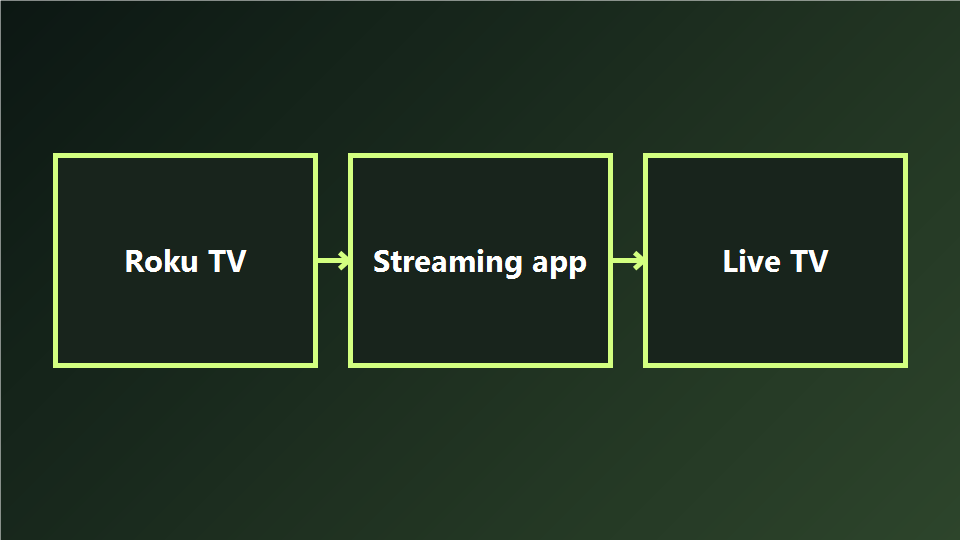
Check for a Roku app
Search the Roku Streaming Store for your provider’s app. Confirm that the publisher matches the provider and that the app is offered in your region. Ask your provider whether the Roku app accepts your account type before installing.
Connect a separate player when needed
If your provider supports a different streaming device, connect that device to an HDMI input on your Roku TV. Select that input, then install the supported player on the external device and sign in there.
Test channels and the program guide
Try a live channel and a second channel from another category. Check whether your plan includes a program guide. Keep playlist links private if they contain passwords or access tokens.
For supported devices and setup details, see Roku screen mirroring and Roku AirPlay support.
Explore the IPTV setup guide, learn how to add an M3U playlist, or check the EPG guide for schedule issues.
More IPTV resources from IPTV4K Plus, IPTV Subscription 4K and IPTV4K Life.